
Rearrange Trigger Groups
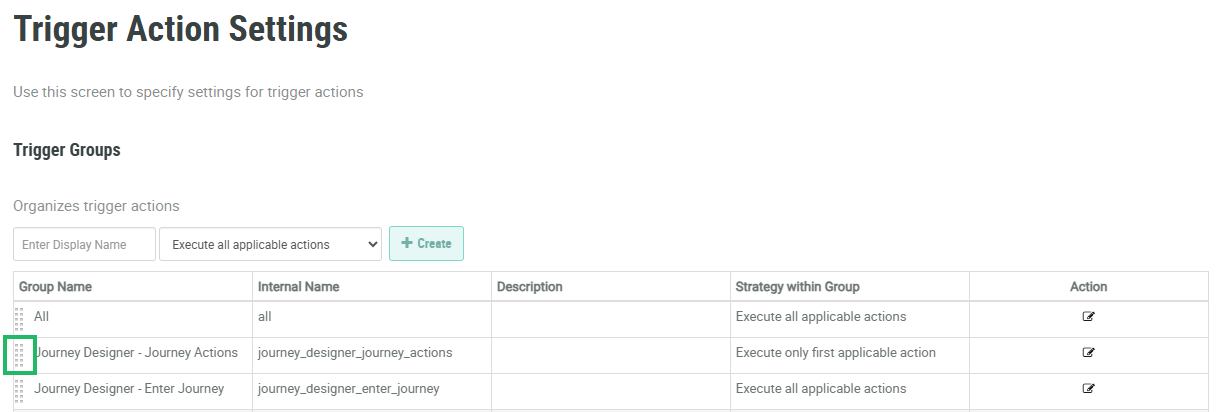
The sequence in which the Trigger Groups appear on the Trigger Action Settings screen controls the sequence in which the platform executes the Trigger Groups. This sequence also controls how the Trigger Groups are displayed on the Triggered Actions screen.
To rearrange a Trigger Group:
-
Select Rules from the top navigation bar, then select Settings > Trigger Action Settings from the side navigation menu. The Trigger Action Settings screen is displayed.
-
To the left of the desired Trigger Group, click and hold the "handle" area.
-
Drag-and-drop the Trigger Group to its desired new sequence.
.
